What is a crm and do you need one
01-Nov-2026
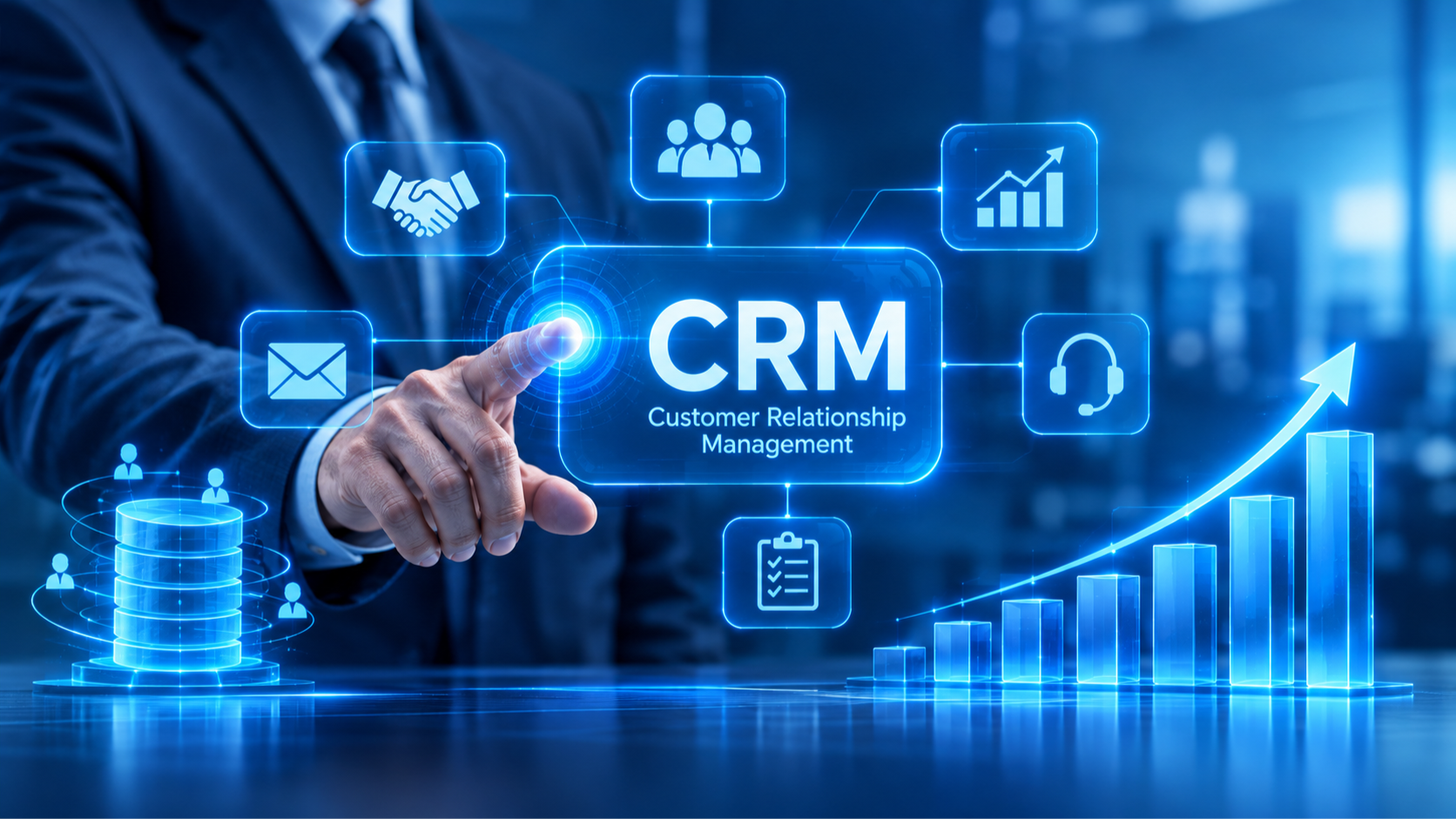
So you have a company or a small business; you are trying to keep a track of all the clients that are interested, loyal clients, leads and all the people you have contacted on LinkedIn or socialized with but your excel sheet is 14 pages now and/or you have already used every color available trying to “organize” it into making a bit of sense; well let me hold your hand when I tell you that this mess can be be untangled with one system. That system is called a “crm” , short for “client relationship management”; the name is pretty much self explanatory: it is a system that tracks, saves and manages your clients so that you don't have to do everything manually, lose your mind, sleep and sanity updating that cell in excel every few minutes and going through sheets to find that client you talked to.
Now that we defined what a crm is, lets try and explain it a bit better
A “crm” is a system where all your records of your clients, leads, deals, phone calls and all the updates in between. It is a system designed so that you do not have to use other systems to keep track of your sales lifecycle, contact details and reports; it’s one big database for everything.
Is it one system?
No, there are different crm service providers such as : hubspot, zoho, odoo and salesforce to name a few, they all serve as an online database; however,each system has its own unique characteristics that might be suitable to a set of audience or users different from each other. They also might differ in suitableness depending on the size of your company and different tier setting prices. Additionally, some might need a steeper learning curve than others but ultimately they all serve the same purpose.
Key features
So okay they help document, organize, automate and report but what more or what are the details? While each system has its own perks as mentioned before, they all share key features such as:
1- Contact management: stores all customers details, communication history, and documents in one shared database
2- Sales automation and life cycle: Tracks deal through pipelines stages and forecasts revenue-also could be adjusted to your own business’ needs-
3-Marketing Automation: Manages email campaigns, lead scoring, and customer re-engagement. For example, Hubspot marketing automation helps you automate marketing e-mails, campaigns and re-engage with leads.
Additionally they also contain reports and dashboards that could also be customisable - depending on the system you choose to use.
So to conclude: investing in a crm is a worthwhile decision that helps store all data in one place, helping you to stay on track. In this essay we have only scratched the surface as this was just an introduction.
Want to know which crm is more suitable for your business?
Are you wondering which real estate crm software is the most suitable to your line of work?
Stay tuned to our next blog piece